
How it works
-
01
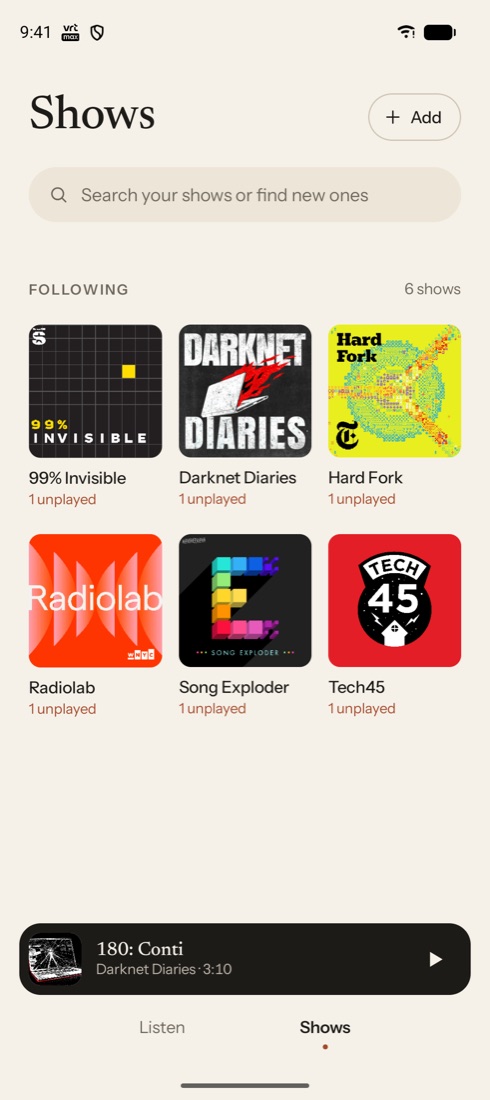
Follow your shows
Search the whole podcast directory, or bring your subscriptions from another app with an OPML file.
-
02
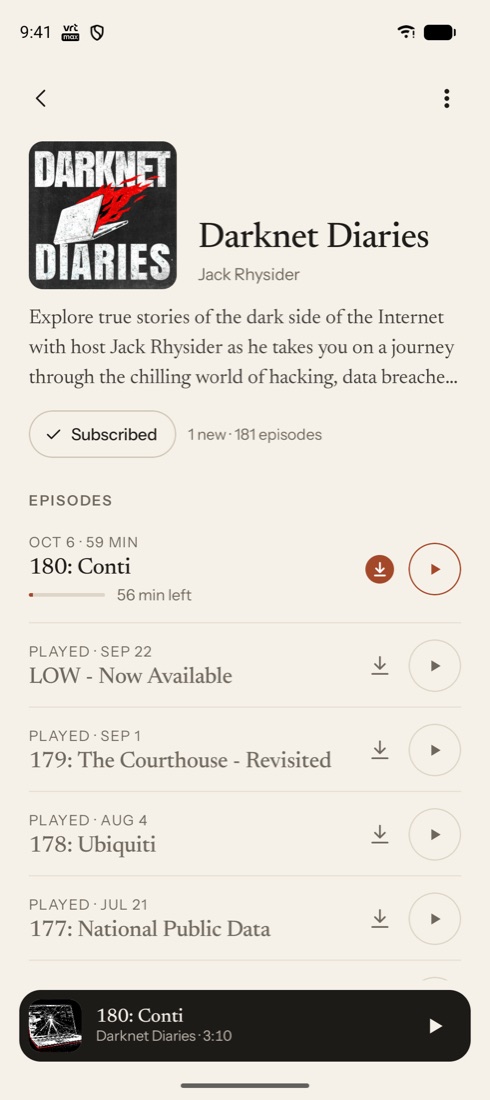
New episodes find you
Podlo checks for new episodes and downloads them on Android, so Listen is always ready, grouped by day.
-
03
Pick up anywhere
Sign in with Google and your place in every episode follows you from your phone to your browser and back.
Undo an accidental scrub
Jumped an hour ahead with one clumsy thumb? One tap brings you right back.
The undo is there for ten seconds after any long jump, in the app, the notification and Android Auto.
Everything you need, nothing you don't
- Chapters & show notes
- Chapter artwork, next and previous chapter, and timestamps in the show notes you can tap.
- Downloads that tidy up
- New episodes download on any network; played ones clean themselves up.
- Keep listening
- When an episode ends, the next unplayed download can start by itself.
- In the car
- Browse new episodes, downloads and your shows with Android Auto.
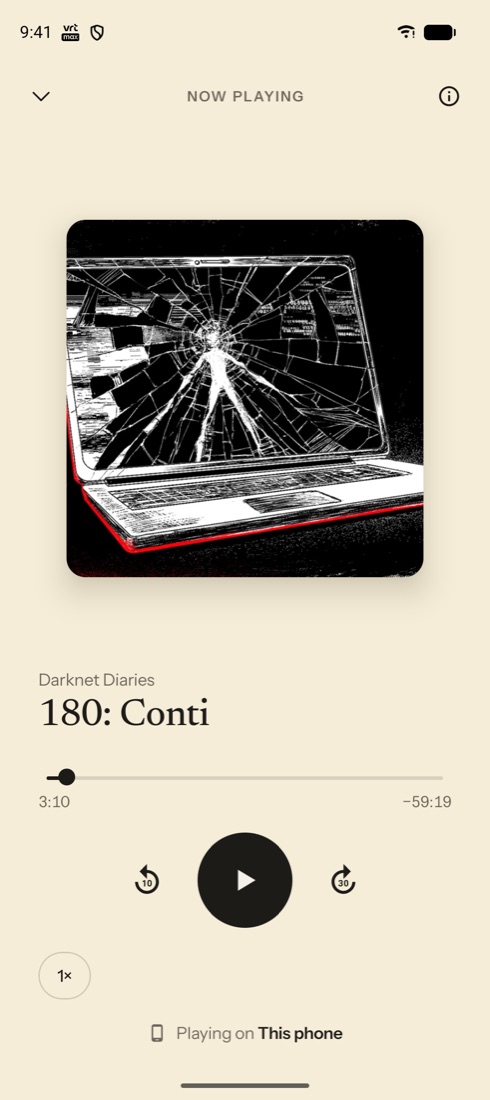
- Where's the sound?
- The player shows if you're on the phone, Bluetooth or headphones, and switches with a tap.
- Easy on the eyes
- Warm paper by day, a calm dark mode at night, following your device.
Give your podcasts a quieter home.
Google Play release coming soon.